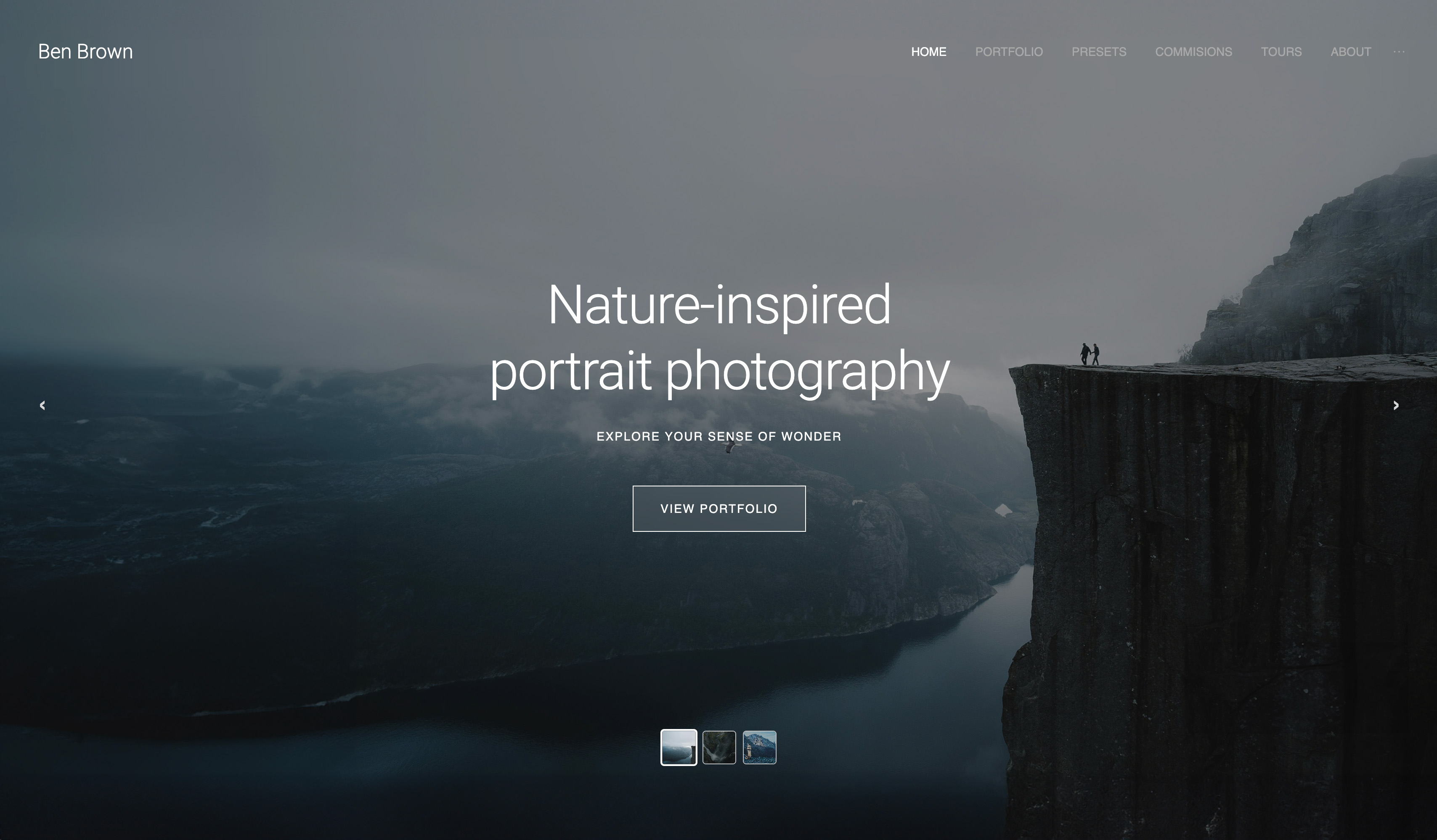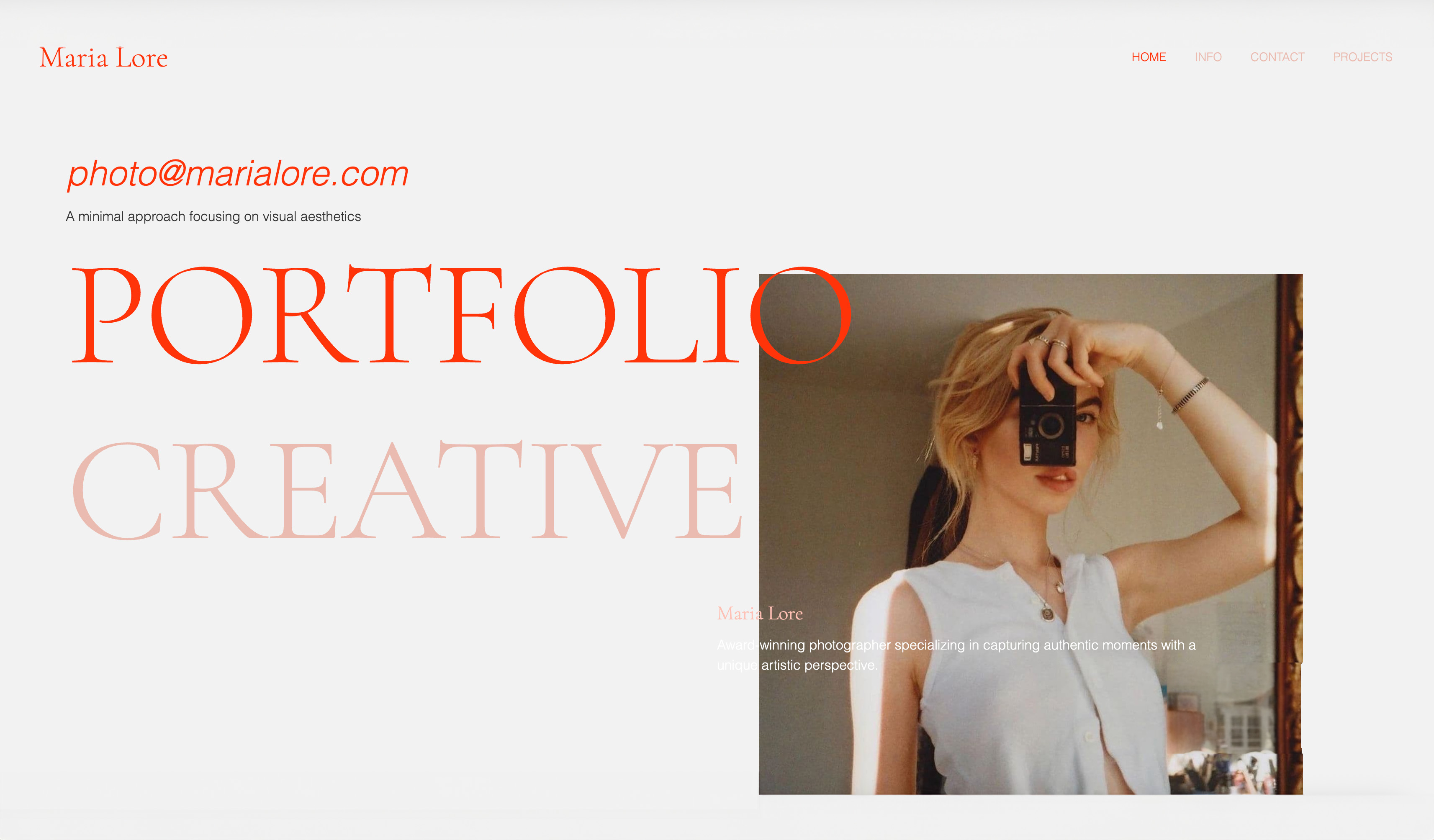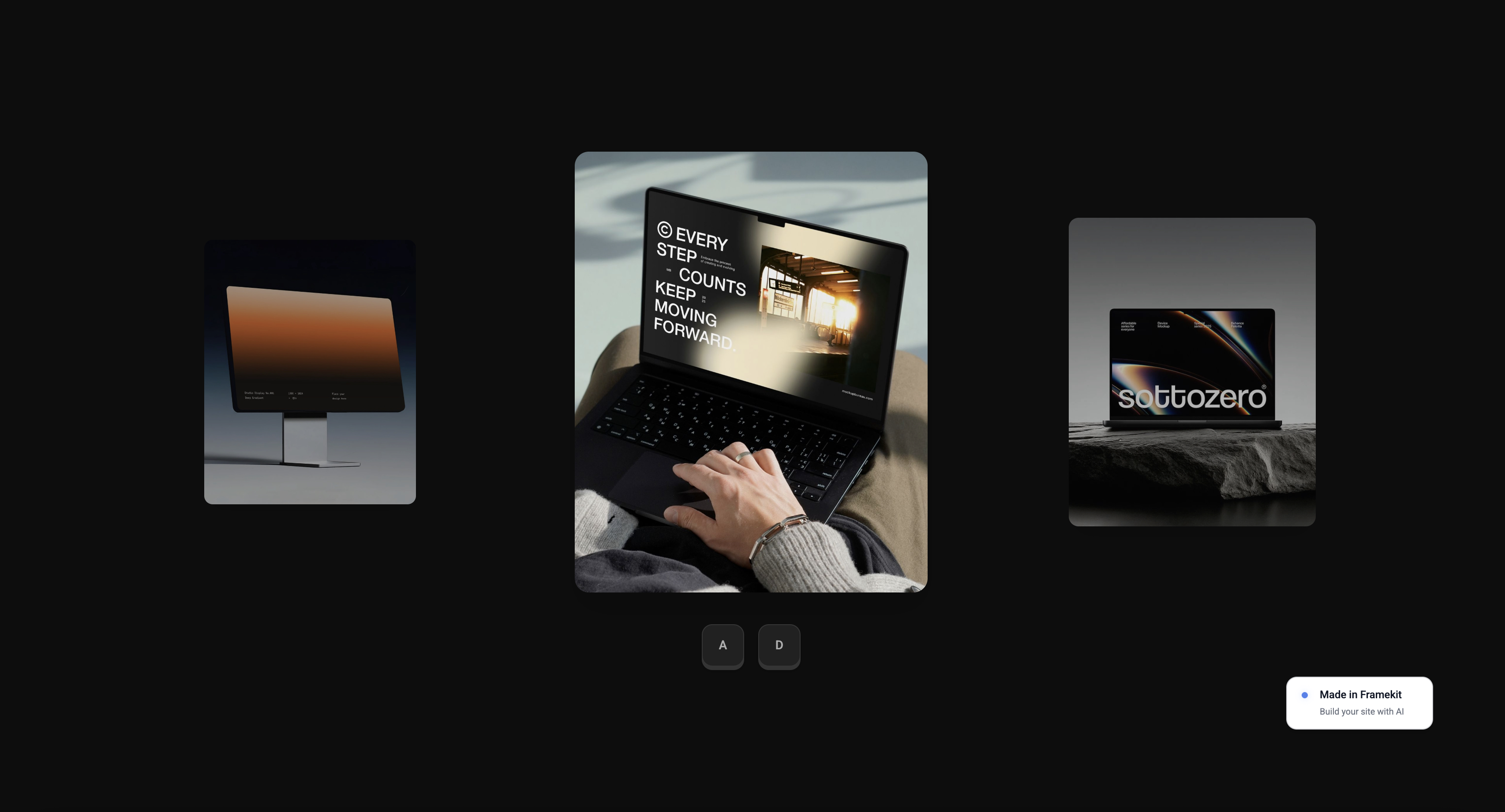
Framekit templates
Start from a designer-made template
 Use template
 Use template
 Use template
 Use template
 Use template
 Use template
 Use template
 Use template
Squarespace is where a lot of photographers start, because it is the default everyone recommends, and for a simple portfolio it is genuinely good. Then the photographer-shaped gaps appear.
You need to deliver a client gallery, and Squarespace does not have one - so you buy a second tool like Pixieset and pay two subscriptions. You want to sell a print, and the cheap plan skims 2% off every sale.
You pick a template and realize a thousand other businesses use the same one. And after the late-2025 pricing changes, the bill is higher than you remember.
None of this makes Squarespace bad; it makes it a general website builder being asked to do a photographer's specific job, which is exactly where a photographer-built alternative pulls ahead.
This guide compares the best Squarespace alternatives for photographers in 2026, ranked on what photographers actually need - client galleries, ownership, ease, and honest pricing - not on generic website features.
It includes our own product, and it is fair to Squarespace, which remains a strong general builder for those who want one. We name where each alternative wins and where Squarespace or another route still fits better.
Every price was re-verified in July 2026.
Squarespace is a good general builder - it just is not built for a photographer's galleries, selling, and ownership.
A Squarespace alternative for photographers is a website builder that does the photographer-specific jobs Squarespace leaves out - most importantly built-in client galleries, along with owned delivery, print and product selling, and photographer-focused pricing - so a photographer runs their whole online presence in one tool rather than bolting extras onto a general builder.
The best Squarespace alternative for photographers in 2026 is Framekit, because it builds your site with AI and includes client galleries and a store built in, on a domain you own, at a lower price than Squarespace, with a sale fee that starts at 5% and drops to 0% on the flat $39 Business plan - solving the gaps that send photographers looking.
Honest context: Squarespace itself remains a strong general builder if you want template-led design and do not need client galleries, Format and Pixpa are the cheapest photographer-specific routes, and WordPress offers the most control for skilled DIYers.
For a photographer wanting galleries, ownership, and AI in one, Framekit leads; for a template-led general site, Squarespace is still fine.
Framekit builds your photography website and client galleries with AI, includes a store, and starts free with no credit card - the photographer-specific site Squarespace does not build.
Full disclosure: Framekit, ranked #1 below, is our own product, so weigh that, and we are fair to Squarespace, which is a genuinely good general website builder. Squarespace wins for photographers who want its polished template-led design and mature blogging and do not need client galleries. Where Framekit wins is the photographer-specific job: built-in client galleries, delivery on a domain you own, a store whose fee drops to 0% on a flat plan, and an AI that builds the site. We re-verified every price in July 2026, corrected Format's store tier against its pricing page in October 2026, clarified on 12 October that Squarespace's 7% applies to courses and memberships rather than preset downloads, and we name where Squarespace, Format, WordPress, or another route fits better than us.
How We Compared These Squarespace Alternatives
We evaluated each alternative on the jobs that send photographers away from Squarespace, not on generic website features:
Client galleries. Whether it includes client galleries to deliver shoots, which Squarespace does not natively provide.
Ownership and delivery. Whether the site and galleries live on a domain you own under your brand.
Ease and AI. How fast it is to build, and whether AI does the design for you.
Selling. Whether it sells prints and products, and what it charges per sale.
Price. The real cost against Squarespace's plans, checked in July 2026.
We follow one photographer through the guide: someone leaving Squarespace because they need client galleries, better selling, or a lower bill. We re-verified every price in July 2026 and are clear where Squarespace still wins.
What Comparing 9 Squarespace Alternatives Showed
- The biggest gap Squarespace leaves for photographers is native client galleries, so alternatives that include them replace two tools with one.
- Squarespace's entry Basic plan charges a 2% transaction fee on sales, which photographer-specific tools with lower or zero fees beat for anyone selling prints or products.
- Squarespace remains strong at general template-led design and blogging, so the case for leaving is photographer-specific needs, not that Squarespace is bad.
- Photographer-built tools like Format and Pixpa cost less than Squarespace while including galleries, and AI builders remove the design work entirely.
- 1 of the 9 builds the site with AI and includes galleries and a store on a domain you own (Framekit), consolidating what Squarespace needs add-ons to do.
The 9 Best Squarespace Alternatives for Photographers in 2026
How the ratings work: each alternative is scored on client galleries, ownership, ease and AI, selling, and price, weighted toward the photographer-specific gaps Squarespace leaves.
Framekit leads by including galleries and AI on an owned site; the others each address part of the gap.
| Alternative | Client Galleries Built In? | AI Builds It? | From |
|---|---|---|---|
| Framekit | Yes, built in | Yes | Free, $9/mo |
| Format | Yes, with proofing | Partial | $10/mo |
| Pixieset | Yes, galleries-first | No | Free |
| Wix | No, add a tool | Yes, some | $17/mo |
| Pixpa | Yes, built in | No | About $5/mo |
| SmugMug | Yes | No | $23.50/mo to sell |
| Zenfolio | Yes | No | Paid, 7% per order |
| WordPress | Via plugins | No | Hosting plus plugins |
| Adobe Portfolio | No | No | Free with Creative Cloud |
Prices re-verified July 2026. Squarespace's comparable plans run $19 to $99 a month, with a 2% fee on Basic; alternatives with galleries often cost less for a photographer. Confirm current pricing before deciding.
1. Framekit: Best Overall

Our rating: 9.3/10
Framekit is an AI website builder with client galleries and a store built in, and it directly solves the gaps that send photographers away from Squarespace.
Where Squarespace needs you to bolt on a separate gallery tool, Framekit includes client galleries; where Squarespace's cheap plan skims 2% per product sale (7% on digital content), Framekit's store fee starts at 5%, falls to 3% on Pro, and reaches 0% on Business at $39 a month; and where Squarespace hands you a template to configure, Framekit's AI builds the site from your work.
It is a photographer's whole online presence - portfolio, galleries, and store - on a domain you own, in one tool.
Best forPhotographers leaving Squarespace because they need client galleries, better selling, ownership, and a lower bill, built by AI.
Key features:
- Client galleries built in, no separate tool to add
- AI builds the portfolio site from your work, no templates to configure
- A store for digital downloads (presets, LUTs, digital files), with a fee that drops to 0% on Business
- Everything on a domain you own, under your brand
- Portfolio, galleries, and store in one platform, not stitched together
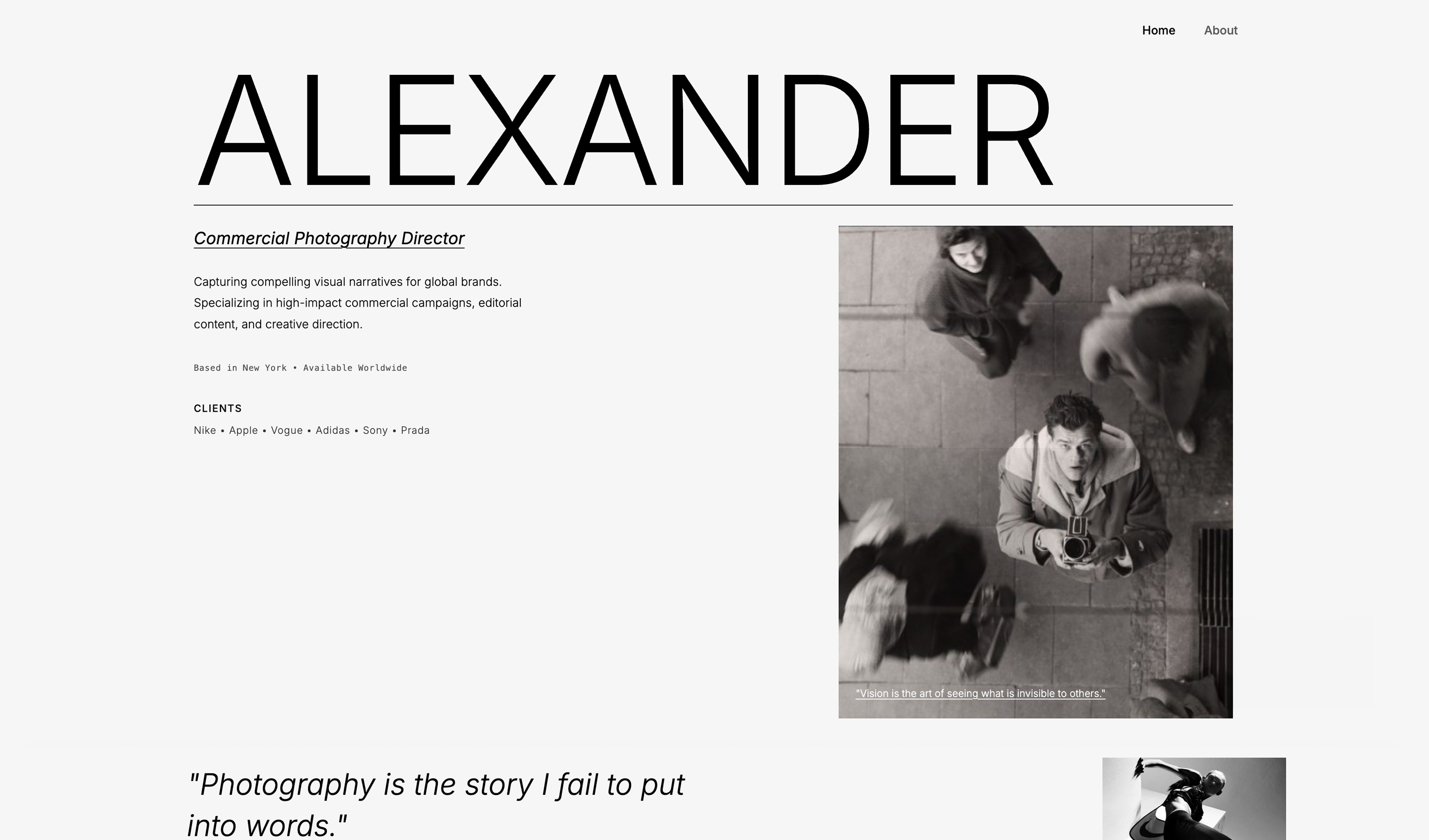
The honest context is that Squarespace is not bad - it is a good general builder, and for a photographer who only wants a template-led portfolio with no client galleries and does not mind the price, staying on Squarespace is reasonable.
What Framekit offers is the photographer-specific job done in one owned tool: the galleries Squarespace lacks, the AI building Squarespace does not do, and a store whose fee falls to 0% on a flat plan.
For the many photographers who reach Squarespace's limits the moment they need to deliver a gallery, Framekit is the alternative built for exactly that; for selling physical prints it is not, because its store sells digital downloads only.
The real numbera photographer on Squarespace Core at $29 a month plus a Pixieset gallery plan at about $10 pays roughly $39 a month for a site and galleries, versus Framekit Pro at $19 a month for a site, galleries, and store together - less money and one tool instead of two.
Pricing (pooled account storage in parentheses)Free $0 (10GB), Starter $9 per month (50GB), Pro $19 per month (300GB), Business $39 per month (2TB).
Pros:
- Client galleries and a store built in, replacing add-ons
- AI builds the site, no template configuring
- Owned, and cheaper than Squarespace plus a gallery tool
Cons:
- Newer than Squarespace's mature template ecosystem
- Fewer general-purpose templates for non-photography sites
- Blogging is lighter than Squarespace's mature tools
Skip it ifyou want a template-led general website and do not need client galleries; Squarespace itself is fine for that, or WordPress for maximum control.
Verdict: Framekit is the best Squarespace alternative for photographers, doing the photographer-specific job - galleries, selling, ownership, AI - in one owned tool. See it beside the field in our best website builders for photographers guide, or start free at framekit.ai.
2. Format: Cheapest Photographer-Specific Builder
Our rating: 8.7/10
Format is a website builder made for photographers, including client proofing galleries on every plan from $10 a month billed yearly and a commission-free store from its Pro plan at $12 in year one ($17 regular), which undercuts Squarespace while covering the galleries Squarespace lacks.
For a photographer who wants a low, simple price with galleries, proofing, and selling built in, it is genuinely hard to beat on cost, and its photographer focus shows throughout.
Where Squarespace hands a photographer a general builder and leaves galleries out, Format arrives already knowing what a photographer needs and puts proofing on the entry plan and selling on Pro, one step up.
It lives on a Format subdomain unless you connect your own domain, and it has no permanent free plan, only a trial, but as an affordable photographer-built alternative it is one of the strongest reasons to leave a general builder behind.
Best forPhotographers who want the cheapest photographer-specific builder, with galleries, proofing, and a store, undercutting Squarespace.
Key features:
- Client proofing galleries built in on every plan
- A store for prints and digital products from the Pro plan
- Photographer-made templates rather than generic business themes
- Connect your own domain to move off the Format subdomain
- Entry pricing from $10 a month billed yearly, below Squarespace's cheapest plan
The real numberFormat Pro, $12 a month billed yearly in year one and $17 after, includes galleries and a store, against Squarespace Core at $29 plus a separate gallery tool at roughly $10 - so Format does the photographer's whole job for about a third of the stacked cost in year one and under half after.
Pricing (checked October 2026)Basic $10 a month billed yearly with proofing galleries but no store; Pro at $12 in year one ($17 regular) adds the commission-free store with up to 15 products; a 14-day trial rather than a permanent free plan.
Pros:
- The cheapest photographer-specific builder with galleries and proofing
- Client galleries on every plan, and a store from Pro
- Built for photographers, not a general builder adapted
Cons:
- Lives on a Format subdomain unless you connect a domain
- No permanent free plan, only a trial
- No AI to build the site for you
Skip it ifyou want AI to build the site or a free plan to start; Framekit offers both.
Verdict: Format is the best low-cost, photographer-specific Squarespace alternative, with galleries and proofing built in. Visit Format
3. Pixieset: Galleries-First With a Website
Our rating: 8.5/10
Pixieset is best known for polished client galleries, and it has grown into a fuller offering with a website builder and store, so a photographer can deliver galleries and run a site from one tool, with a genuinely useful free tier.
It is the gallery specialist that added a website, rather than a website builder that added galleries, so the galleries are its strength and the website is lighter.
For a photographer leaving Squarespace mainly because of the missing gallery, that ordering is the point: Pixieset closes the exact gap Squarespace leaves, and the attached site is enough for many.
Its free 3GB tier lets a newer photographer start delivering and selling at no cost, and paid plans drop the store commission to 0%.
Best forPhotographers whose priority is polished gallery delivery, with a simple website attached, and who want a usable free tier.
Key features:
- Polished, refined client galleries, its core strength
- A website builder and store added around the galleries
- A free 3GB tier to start delivering and selling
- Print sales through professional labs
- Paid plans that drop store commission to 0%
The real numberPixieset's free tier delivers galleries and a store at a 15% commission, while its Basic plan at about $10 a month, or $8 billed annually, drops toward 0% commission - so gallery delivery costs less than Squarespace's cheapest plan, though the website is lighter.
PricingFree (3GB, 15% commission), Basic about $10 a month (10GB), Plus about $20 (100GB), Pro about $50 (1TB); paid plans at 0% store commission.
Pros:
- Polished galleries, the strongest part of the tool
- A genuinely useful free tier to start
- 0% store commission on paid plans
Cons:
- The website is lighter than a true site builder
- Delivery lives on a Pixieset subdomain, not a domain you own
- Selling on the free tier carries a 15% commission
Skip it ifyou want a full website you own rather than a gallery tool with a website attached; Framekit builds the site and galleries on your own domain.
Verdict: Pixieset is the best Squarespace alternative when polished gallery delivery is the priority and the website is secondary. Our best Pixieset alternatives guide weighs its subdomain against fully owning your site. Visit Pixieset
4. Wix: The Flexible General Builder
Our rating: 8.3/10
Wix is the most flexible general website builder and a common Squarespace alternative, with a huge template range, drag-and-drop control, and some AI building, from about $17 a month for Light to $29 for Core.
It gives a photographer more design freedom than Squarespace's more curated editor, and its app market can extend the site in most directions.
Like Squarespace, though, it does not include native client galleries, so a photographer adds a gallery tool on top, and it remains a general builder rather than a photographer-specific one.
For a photographer who values maximum design flexibility and does not mind adding galleries separately, Wix offers more control than Squarespace at a similar overall cost once the gallery tool is stacked on.
Best forPhotographers who want maximum general-purpose design flexibility and do not mind adding a separate gallery tool.
Key features:
- A huge template range and drag-and-drop control
- Some AI building for a general site
- A store for products, as Squarespace has
- An app market to add functionality
- Plans from about $17 for Light to $29 for Core
The real numberWix Light at about $17 a month or Core at $29 covers a general site, but like Squarespace it has no native client galleries, so a photographer adds a gallery tool on top - landing near the same stacked cost the photographer-specific tools avoid.
PricingLight about $17 a month, Core about $29 a month; higher tiers above that.
Pros:
- The most flexible general-purpose design control
- A large template library and app market
- Some AI building included
Cons:
- No native client galleries, so you bolt one on
- A general builder, not photographer-specific
- Stacked cost once galleries are added
Skip it ifyou need client galleries built in rather than bolted on; a photographer-specific tool like Framekit or Format includes them.
Verdict: Wix is the strongest Squarespace alternative for flexible general-purpose design, best for a photographer who will add galleries separately. Visit Wix
5. Pixpa: Affordable Photographer Builder
Our rating: 8.1/10
Pixpa is a photographer-focused website builder with client galleries, proofing, and a store built in, at a low price of roughly $5 to $8 a month, making it one of the cheaper all-in-one options for photographers leaving Squarespace.
It bundles the galleries and selling a photographer needs at a price below Squarespace, on your own domain rather than a subdomain.
It is less known than the leaders, and its design polish is a step behind Pixieset or Format, but the value proposition is clear: the photographer-specific features Squarespace omits, plus a real site and store, for less than Squarespace's cheapest plan.
As an affordable, owned, all-in-one alternative, it earns its place for the budget-conscious.
Best forBudget-conscious photographers who want galleries, proofing, and a site in one low-cost, all-in-one tool on their own domain.
Key features:
- Client galleries and proofing built in
- A store for prints and digital products
- Your own domain, not just a subdomain
- Blogging and portfolio tools included
- Low entry pricing, roughly $5 to $8 a month
The real numberPixpa Lite at about $4.80 a month billed annually (20GB), or Standard at about $7.20 (100GB), bundles galleries, proofing, and a store for less than Squarespace's cheapest $19 plan - and unlike Squarespace, the galleries are included.
PricingLite about $4.80 a month annually (20GB), Standard about $7.20 (100GB); range up to about $25 on higher tiers.
Pros:
- One of the cheapest all-in-one photographer builders
- Galleries, proofing, and a store included
- Runs on your own domain
Cons:
- Less known, with a smaller community
- Design polish a step behind the leaders
- No AI to build the site for you
Skip it ifyou want AI to build the site or the most polished design; Framekit builds it, and Pixieset or Format lead on polish.
Verdict: Pixpa is the best low-cost, all-in-one Squarespace alternative for a budget-conscious photographer wanting galleries and selling on their own domain. Visit Pixpa
6. SmugMug: Galleries and Unlimited Storage
Our rating: 8.0/10
SmugMug offers client galleries, unlimited storage, and print sales through professional labs, with a customizable site, requiring a Portfolio plan at about $23.50 a month to sell and taking a 15% commission on prints.
The unlimited storage and lab fulfilment are its real strengths, letting a photographer keep everything and sell prints without touching a package.
For a photographer leaving Squarespace who wants a bottomless archive and lab print sales in one long-established tool, SmugMug covers ground Squarespace never tried to.
The trade is the 15% cut on sales and an interface that shows its age against newer tools, so it suits photographers who value the storage and fulfilment over the most modern design.
Best forPhotographers who want a bottomless archive and print sales through professional labs, over the most modern design.
Key features:
- Unlimited photo storage on all plans
- Print sales through professional labs, drop-shipped
- A customizable photographer website
- Password-protected client galleries
- Long-established and stable
The real numberSmugMug requires a Portfolio plan at about $23.50 a month to sell and takes 15% of print sales, so a $200 print order costs about $30 in commission - the trade for unlimited storage and lab fulfilment.
PricingPortfolio about $23.50 a month to sell, at 15% print commission; unlimited storage on all plans; RAW storage as an add-on.
Pros:
- Unlimited storage for a large archive
- Professional-lab print fulfilment
- Customizable, stable, and proven
Cons:
- 15% commission is higher than several rivals
- The interface feels dated
- A mid-tier plan is required to sell
Skip it ifyou want the most modern design or a domain you fully own; Framekit is modern and owned, and Pixieset feels newer.
Verdict: SmugMug is the best Squarespace alternative for unlimited storage and lab print sales, if you accept the 15% cut and dated feel. Our best SmugMug alternatives guide weighs that commission. Visit SmugMug
7. Zenfolio: Galleries With Built-In Sales
Our rating: 7.8/10
Zenfolio pairs a photographer website with client galleries and built-in selling tools at a 7% per-order fee, a long-established option for photographers who sell through their galleries.
It covers the galleries and sales Squarespace lacks in one photographer-focused tool, handling print and product orders reliably from a site you can customize.
The 7% per-order fee is simple to reason about - a flat cut of each order rather than a percentage of your subscription - though it weighs against the 0%-commission tools for a studio selling steadily, and its design is capable rather than the most modern.
Zenfolio suits photographers who want an established, sales-focused gallery and website in one and will accept a predictable per-order fee.
Best forPhotographers wanting an established, sales-focused gallery and website in one, who accept a per-order fee.
Key features:
- A photographer website with client galleries
- Built-in selling tools for prints and products
- A long track record and stable feature set
- Password-protected galleries
- Plans from about $7 to $16 a month
The real numberZenfolio takes 7% per order, so a $200 print order costs about $14 in platform fee - more than a 0%-commission tool, less than SmugMug's 15%, and easy to predict.
PricingBasic about $7 a month (no ecommerce, 15GB), Professional about $9.20 (ecommerce, 150GB), Advanced about $16; plus 7% per order.
Pros:
- Established and stable, with integrated sales
- A website plus galleries in one tool
- Predictable per-order pricing
Cons:
- The 7% per-order fee adds up at volume
- Design is capable rather than the most modern
- Ecommerce requires the Professional tier or above
Skip it ifyou sell enough that a 0%-commission tool would save more than the subscription difference, or you want a modern site you own.
Verdict: Zenfolio is a dependable, established Squarespace alternative with integrated sales, best when you value a proven tool and predictable per-order pricing. Our best Zenfolio alternatives guide weighs that fee. Visit Zenfolio
8. WordPress: Maximum Control
Our rating: 7.7/10
Self-hosted WordPress is the most flexible and controllable Squarespace alternative, letting a skilled photographer build exactly the site they want with gallery and store plugins, at the cost of assembling and maintaining it themselves.
Nothing else here matches its ceiling: any design, any feature, any integration is possible if you or a developer can build it.
It can be the cheapest route at around $70 a year for hosting and a domain, or climb steeply with premium themes and plugins, and it gives total ownership of the whole stack.
But it requires real technical skill and ongoing maintenance - updates, security, backups - that a hosted builder removes.
WordPress suits photographers with the technical ability and desire to control every detail, who value flexibility over convenience.
Best forSkilled photographers who want to control every detail and will assemble and maintain the site themselves.
Key features:
- Total control over design and functionality
- Gallery and store plugins for photographer features
- Self-hosted, so you own the whole stack
- A vast plugin and theme ecosystem
- The cheapest possible route if you do the work
The real numberself-hosted WordPress can run around $70 a year for hosting and a domain - cheaper than any Squarespace plan - but the saving is paid back in the hours to assemble, secure, and maintain the site yourself.
Pricinghosting and a domain from around $70 a year, plus any premium themes and plugins; no platform subscription.
Pros:
- Total ownership, flexibility, and control
- Galleries and a store via plugins
- Can be the cheapest route
Cons:
- Requires real technical skill
- Ongoing maintenance, updates, and security are yours
- No AI or done-for-you design
Skip it ifyou want the site built for you without technical work; an AI builder like Framekit removes the assembly and maintenance.
Verdict: WordPress is the best Squarespace alternative for maximum control, for a photographer with the skills and willingness to build and maintain it. Visit WordPress
9. Adobe Portfolio: Free With Creative Cloud
Our rating: 7.4/10
Adobe Portfolio is a simple portfolio site builder included free with an Adobe Creative Cloud subscription, so a photographer already paying for Lightroom can build a basic portfolio at no extra cost.
It is genuinely free for Creative Cloud users, quick to set up, and connects to your own domain, which makes it an easy portfolio for anyone already inside the Adobe ecosystem.
It is, however, a basic portfolio tool without client galleries, a real store, or the depth of a dedicated builder, so it covers only the portfolio half of what a working photographer needs.
For a photographer who just wants a simple free portfolio and already has Creative Cloud, it works as a Squarespace alternative for that narrow need - but not for delivering shoots or selling prints.
Best forCreative Cloud subscribers who want a simple, free portfolio and do not need client galleries or a store.
Key features:
- Included free with an Adobe Creative Cloud subscription
- Quick, simple portfolio setup
- Integrates with Lightroom and the Adobe ecosystem
- Connect your own domain
- Clean, minimal portfolio templates
The real numberfor a photographer already paying for Creative Cloud to run Lightroom and Photoshop, Adobe Portfolio adds a portfolio site at no extra cost - but with no client galleries or real store, it covers only the portfolio half of a photographer's needs.
Pricingfree with an Adobe Creative Cloud subscription; no standalone plan.
Pros:
- Genuinely free for Creative Cloud users
- Quick and simple to set up
- Integrates with Lightroom
Cons:
- No client galleries
- No real store for selling
- Basic compared with a dedicated builder
Skip it ifyou need client galleries or to sell prints; Adobe Portfolio does neither, Format and Pixieset do both, and Framekit does the galleries.
Verdict: Adobe Portfolio is the best free Squarespace alternative for a simple portfolio if you already pay for Creative Cloud and do not need galleries or selling. Visit Adobe Portfolio
The Client-Gallery Gap Is Why Photographers Leave
In one linethe single biggest reason photographers outgrow Squarespace is that it has no native client galleries, forcing a second subscription to deliver shoots, so the alternatives that include galleries replace two tools with one and often cost less overall.
The moment that sends most photographers looking for a Squarespace alternative is predictable: they book a client, shoot the job, and need to deliver a private, downloadable gallery - and discover Squarespace does not do that.
So they add Pixieset or another gallery tool, and now they run two subscriptions and two logins to do what should be one job.
Squarespace is a general website builder, and client galleries are a photographer-specific feature it never included, which is fine until you are a photographer who needs them.
This is why the alternatives worth switching to, for most photographers, are the ones that include galleries: Framekit, Format, Pixieset, Pixpa, SmugMug, and Zenfolio all deliver client galleries as part of the tool, replacing the Squarespace-plus-gallery-tool stack with one platform, usually at a lower combined cost.
The photographer who consolidates onto a single tool with galleries built in saves money and simplifies their workflow. It is the clearest, most concrete reason to leave Squarespace, and the clearest thing to look for in an alternative.
Our best client gallery platforms guide compares the gallery side in depth.
When Squarespace Is Still the Right Choice
In one lineSquarespace remains a good choice for photographers who want polished template-led design and mature blogging and do not need client galleries or heavy selling, so the honest question is not whether Squarespace is bad but whether your needs are photographer-specific enough to leave.
It is worth being fair to Squarespace, because leaving is not always the right call.
Squarespace is a genuinely good general website builder with polished templates, mature blogging, and a refined editing experience, and for a photographer whose needs are a beautiful portfolio and a blog, without client galleries or significant print selling, it does that well.
If you do not deliver client galleries - a fine-art photographer selling only through galleries and shows, say, or one who delivers via a separate service they are happy with - Squarespace's gaps may not affect you.
So the honest question is not whether Squarespace is bad, which it is not, but whether your needs are photographer-specific enough to justify switching.
If you need client galleries, sell digital downloads and want a fee that falls to 0% on a flat plan, value owning your delivery, or want AI to build the site, a photographer-built alternative like Framekit serves you better.
If you want a polished template-led general site and Squarespace's specific strengths, staying is reasonable. Match the tool to whether your needs are a general website or a photographer's working platform.
Our how to build a photography website guide covers the build either way.
How to Choose a Squarespace Alternative: A Decision Tree
Decide what pulled you away from Squarespace, then match the alternative to it.
Why are you leaving Squarespace?
- I need client galleries to deliver shoots. Choose Framekit for galleries plus AI on an owned site, Format or Pixpa for the cheapest photographer-specific route, or Pixieset if galleries are the priority.
- I want to stop paying two subscriptions. Consolidate onto one tool with galleries built in - Framekit, Format, or Pixpa.
- I want AI to build the site for me. Framekit builds it from your work; Wix offers some AI.
What else matters?
- The lowest price with galleries: Format or Pixpa.
- Unlimited storage and lab print sales: SmugMug.
- Maximum control and I have the skills: WordPress.
- A free basic portfolio and I have Creative Cloud: Adobe Portfolio.
Actually, is Squarespace still fine for you?
- I only want a template-led portfolio and blog, no galleries. Staying on Squarespace is reasonable; you may not need to switch.
Frequently Asked Questions
What is the best Squarespace alternative for photographers in 2026?
The best Squarespace alternative for photographers is Framekit, because it builds your site with AI and includes client galleries and a store built in, on a domain you own, at a lower price than Squarespace, with a sale fee that starts at 5% and drops to 0% on the flat $39 Business plan - directly solving the gaps that send photographers away.
For the cheapest photographer-specific routes, Format and Pixpa include galleries at a low price, and for maximum control, WordPress. Squarespace itself remains fine for a template-led general site without galleries.
For a photographer wanting galleries, ownership, selling, and AI in one tool, Framekit is the strongest alternative.
Why do photographers leave Squarespace?
Photographers leave Squarespace mainly because it has no native client galleries, forcing them to add and pay for a separate gallery tool to deliver shoots.
Other reasons include the 2% transaction fee on the Basic plan when selling, template designs that many other businesses share, and higher prices after its recent changes.
None of these make Squarespace a bad general builder, but they are photographer-specific gaps: Squarespace was not built for delivering galleries, selling prints cheaply, or photographer workflows, so photographers who need those things outgrow it and switch to a tool built for their work.
Does Squarespace have client galleries?
No, Squarespace does not have native client galleries - the private, password-protected, downloadable galleries photographers use to deliver shoots to clients.
You can display a portfolio, but to deliver client work you need to add a separate gallery tool like Pixieset, running two subscriptions. This is the single biggest reason photographers seek a Squarespace alternative.
Tools built for photographers - Framekit, Format, Pixieset, Pixpa, SmugMug - include client galleries as part of the platform, so you deliver shoots from the same tool as your website, which is why they suit photographers better than a general builder for that job.
Is Framekit better than Squarespace for photographers?
For photographer-specific needs, yes: Framekit includes client galleries Squarespace lacks, builds the site with AI, sells with a fee that falls to 0% on its flat Business plan, and costs less than Squarespace plus a separate gallery tool, all on a domain you own.
Squarespace is better if you want its mature template ecosystem and blogging for a general site and do not need client galleries.
So Framekit is better for a photographer who delivers galleries, sells digital downloads, or wants AI building and ownership, while Squarespace suits a template-led general portfolio.
The choice depends on whether your needs are photographer-specific or general website ones.
What is the cheapest Squarespace alternative for photographers?
The cheapest photographer-specific alternatives with galleries are Pixpa, at roughly $5 to $8 a month, and Format, from $10 a month billed yearly, or $12 to $17 on Pro once you want its store, both covering the client galleries Squarespace lacks.
Framekit has a free plan with a website and galleries, and paid plans from $9 a month. Self-built WordPress can be cheapest at around $70 a year if you have the skills. Adobe Portfolio is free with a Creative Cloud subscription but basic.
So the cheapest route with real galleries is Pixpa or Format among paid tools, or Framekit's free plan to start, all undercutting Squarespace plus a gallery add-on.
Does Squarespace charge transaction fees?
Yes, Squarespace charges a 2% transaction fee on sales on its entry Basic plan, waived only on the higher Core plan and above.
So a photographer selling prints on the cheapest plan loses 2% of each sale on top of payment processing, and must upgrade to a pricier plan to avoid it.
Alternatives vary: Framekit's product-sale fee starts at 5% on its free and Starter plans, higher than Basic's 2%, but falls to 3% on Pro and 0% on the flat $39 Business plan, and some gallery tools take 0% commission.
For a photographer selling prints or products, the transaction fee is a real cost to compare, and one reason to consider an alternative with lower or no selling fees.
Can I move my photography website off Squarespace?
Yes, you can move off Squarespace, though it takes some work: you rebuild your site on the new platform, since designs do not transfer directly, and repoint your domain, which you keep.
The rebuild is often faster than expected, especially with an AI builder like Framekit that generates the new site from your work, or a photographer template on another tool. Your domain and content are yours to take.
Many photographers move when they need client galleries or lower costs, treating it as a chance to refresh the site. Plan the move around a quieter period, and keep your domain so your web address stays the same.
Squarespace vs Wix for photographers - which is better?
Both are general website builders without native client galleries, so for a photographer, neither is ideal without adding a gallery tool.
Squarespace has more polished, design-forward templates and mature blogging; Wix offers more flexibility and drag-and-drop control and some AI building.
Between them, it comes down to whether you prefer Squarespace's curated polish or Wix's flexible control, at similar cost once galleries are added.
For a photographer, though, a photographer-specific alternative with galleries built in, like Framekit or Format, usually serves better than either general builder, since it does the gallery job neither Squarespace nor Wix includes.
What is the best Squarespace alternative with client galleries?
Framekit is the best Squarespace alternative that includes client galleries, because it also builds the site with AI, includes a store, and keeps everything on a domain you own, at a lower cost than Squarespace plus a gallery tool.
Format and Pixpa are the cheapest photographer-specific options with galleries, Pixieset is strongest if galleries are your top priority, and SmugMug and Zenfolio include galleries with print sales.
All of these solve Squarespace's biggest photographer gap - the lack of native client galleries - by including them in the platform. For galleries plus AI and ownership in one, Framekit leads; for the lowest price, Format or Pixpa.
Is Squarespace good for photographers?
Squarespace is good for photographers who want a polished, template-led portfolio and blog and do not need client galleries or heavy print selling - it builds a beautiful general website and is easy to use.
It is less good for photographers who need to deliver client galleries, which it does not natively include, or who want to sell prints cheaply, given its Basic-plan fee.
So Squarespace is a fine choice for a portfolio-and-blog general site, and a limiting one for a full photographer workflow with galleries and selling.
Whether it is good for you depends on whether your needs are a general website or a photographer's working platform with galleries.
Format vs Squarespace for photographers?
Format is built specifically for photographers and includes client proofing galleries on every plan from $10 a month billed yearly, plus a commission-free store from its Pro plan, which Squarespace lacks, and it costs less than Squarespace.
Squarespace is a general builder with more template variety and mature blogging but no native galleries.
For a photographer who needs galleries and selling at a low price, Format is the better fit; for a general template-led site with blogging and no gallery need, Squarespace.
Format's photographer focus and lower price with galleries make it a strong Squarespace alternative for working photographers, while Squarespace suits those wanting a polished general website.
Do I own my website on Squarespace?
You own your content and your domain on Squarespace, but the site is built on and hosted by Squarespace's platform, so you cannot take the actual site elsewhere - moving means rebuilding on a new platform.
This is true of most website builders, including alternatives, so it is not unique to Squarespace.
What varies is where your client-facing delivery lives: with a tool like Framekit, your galleries and site are on your own domain under your brand.
The practical point is to keep your domain, which is portable, so your web address stays yours if you ever switch platforms, whichever builder you use.
What is the best free Squarespace alternative for photographers?
Framekit's free plan is the strongest free Squarespace alternative for photographers, because it includes both a website and client galleries at no cost, which Squarespace's own plans and most alternatives do not offer free.
Pixieset has a free gallery tier with a basic site, and Adobe Portfolio is free with a Creative Cloud subscription but basic and without galleries or a store.
For a photographer wanting a free, professional site that also delivers client galleries, Framekit's free plan offers the most, with a cheap upgrade path as you grow. It is the best way to leave Squarespace without paying to start.
How do I choose a Squarespace alternative?
Choose based on what pulled you away from Squarespace.
If you need client galleries, pick a tool that includes them - Framekit for galleries plus AI and ownership, Format or Pixpa for the lowest price, Pixieset if galleries are the priority. If you want AI to build the site, Framekit.
If you want maximum control and have the skills, WordPress. If you only left over price but still want a general site, weigh whether staying on Squarespace or moving to Wix makes sense.
Match the alternative to the specific gap that made you look - usually client galleries, price, or ownership - rather than switching blindly.
Final Verdict: The Best Squarespace Alternative for Photographers
Squarespace is a good general website builder, and the reason photographers outgrow it is specific, not that it is bad: it lacks native client galleries, charges a fee on the cheap plan, and is not built for a photographer's workflow of delivering and selling.
Framekit is the best Squarespace alternative for photographers, because it does exactly the photographer-specific job Squarespace leaves out - client galleries and a store built in, the site built by AI, everything on a domain you own, at a lower cost than Squarespace plus a gallery tool.
For a photographer who reaches Squarespace's limits the moment they deliver a gallery, it is the tool built for that.
Where Framekit loses, and who should stay on Squarespace: a photographer who only wants a polished template-led portfolio and blog with no client galleries - Squarespace itself is fine for that, and WordPress suits those wanting maximum control.
The honest question is whether your needs are photographer-specific enough to leave.
If you need galleries, ownership, selling, and AI in one tool, move to a platform built for photographers. If you just want a template-led general site, Squarespace is still reasonable. Match the tool to your work.
For more, read our best website builders for photographers comparison, our how to build a photography website guide, and the best client gallery platforms overview.
_Squarespace-alternative pricing re-verified against each provider's plans in July 2026; plans and fees change, so confirm current rates before deciding._
Before you switch, it is worth reading whether Squarespace is worth it for photographers in the first place, including which of its two sale fees a preset pack actually pays.